Disclosure: As an Amazon Associate, I earn from qualifying purchases. If you buy through links on this page, I may earn a small commission at no extra cost to you.
Samsung T7 Portable SSD Review 2026: Still the Best Pocket Drive?
There is a particular kind of panic every photographer, student, and office worker knows: the laptop is nearly full, the project deadline is tonight, and the old USB stick is crawling through a file transfer one megabyte at a time. The Samsung T7 was built to end that panic. It is a drive roughly the size of a credit card that moves files at up to 1,050 MB/s, shrugs off drops, and works with almost anything that has a USB port.
Newer drives have since arrived with faster headline speeds, but headline speeds are not the whole story. This review covers how fast the T7 really feels, how it holds up in a bag, where it falls short, the mistakes buyers make, and whether it is still the best pocket drive in 2026.
👉 Check the Latest Price on Amazon
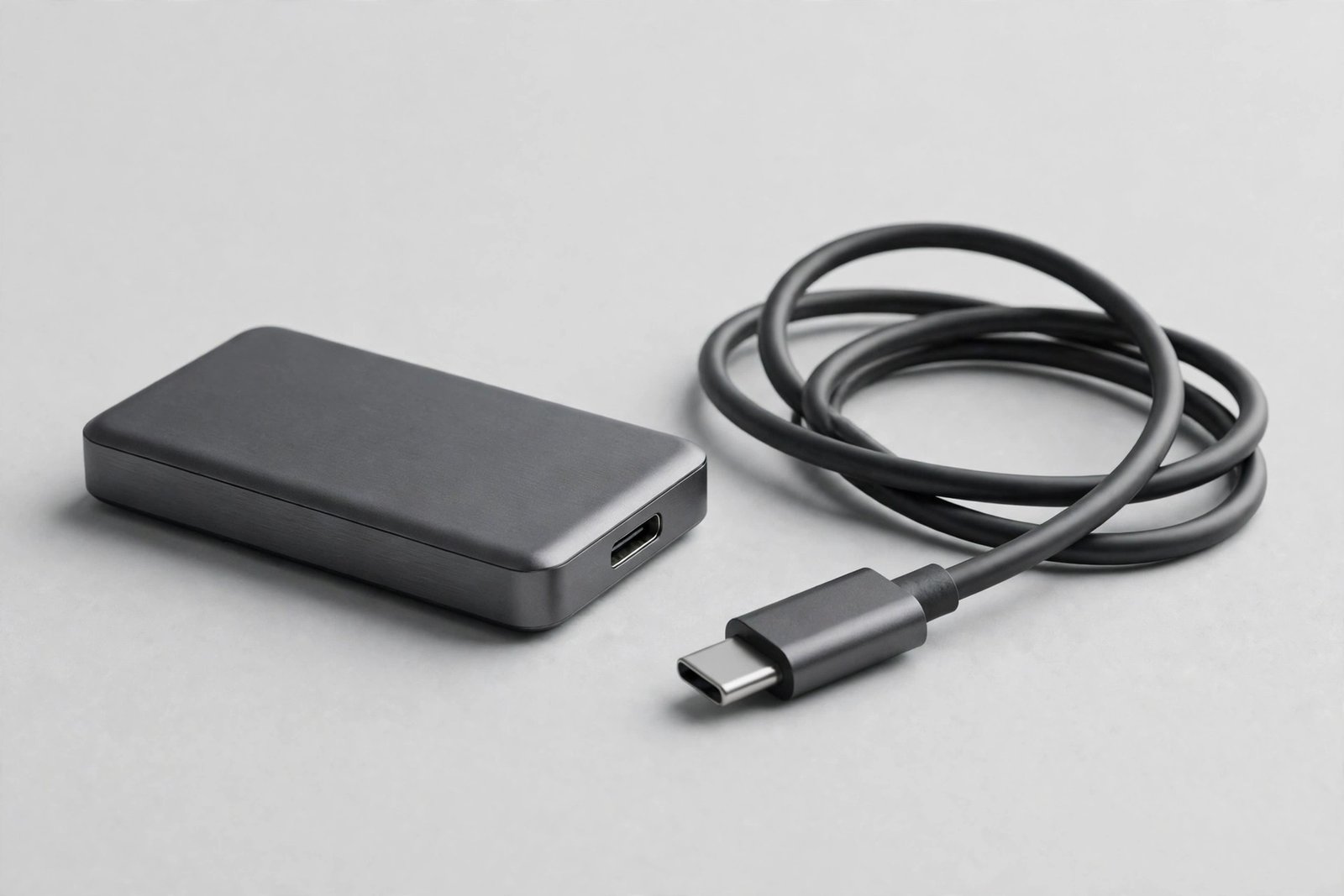
Why the T7 Became the Default Pocket Drive
The T7 earned its reputation the unglamorous way: by working, every time, for millions of people. Its metal unibody feels solid rather than plasticky, it needs no power cable or software to get started, and it is small enough to disappear into a pocket or a camera bag. For most people, that combination of speed, toughness, and simplicity matters far more than chasing the absolute fastest drive on paper.
Key Features of the Samsung T7
Up to 1,050 MB/s transfers over USB 3.2 Gen 2
With a compatible USB 3.2 Gen 2 port, the T7 reads at up to 1,050 MB/s and writes at up to 1,000 MB/s. In practice, that means a full memory card of photos copies over in minutes, not during lunch, and large video projects move without the progress bar becoming a meditation exercise.
Shock resistant and genuinely pocketable
The solid aluminum body is shock resistant to drops from up to 6 feet, so a tumble off a desk or out of a bag is an anecdote, not a disaster. At 3.3 by 2.2 by 0.3 inches and just 2.08 ounces, it is smaller and lighter than most phones’ cases.
Works with nearly everything
The box includes both USB-C to C and USB-C to A cables, so the T7 connects to PCs, Macs, Android devices, and game consoles without a separate adapter hunt. It is ready to use out of the box, with optional password protection and AES 256-bit hardware encryption for sensitive files.
1TB of room for a real library
One terabyte holds a serious photo library, years of documents, or a working video project with room to spare. It is the sweet spot for most buyers: big enough to matter, without paying for capacity that sits empty.
Samsung T7: Quick Specs
| Specification | Samsung T7 Portable SSD 1TB (Titan Gray) |
|---|---|
| Capacity | 1TB |
| Read speed | Up to 1,050 MB/s (USB 3.2 Gen 2) |
| Write speed | Up to 1,000 MB/s (USB 3.2 Gen 2) |
| Interface | USB 3.2 Gen 2, USB-C |
| Shock resistance | Up to 6 ft drop resistant |
| Dimensions | 3.3 x 2.2 x 0.3 inches |
| Weight | 2.08 oz |
| Cables included | USB-C to C and USB-C to A |
| Compatibility | PC, Mac, Android, game consoles |
| Security | Optional password protection, AES 256-bit hardware encryption |
| Warranty | 3-year limited warranty |
Who the Samsung T7 Is Really For
Photographers and videographers: Fast offloads in the field and a drive tough enough for a camera bag. Students and office workers: A whole library of work in a pocket, with backups that actually get done because they are quick. Gamers: Extra game storage for consoles and a fast place to keep a library. Anyone upgrading from a USB stick: The speed jump alone changes how you work.
Who Should Look Elsewhere
If you need the absolute fastest speeds for 8K video editing, newer USB4 or Thunderbolt drives move more data, at a higher cost. If you need rugged waterproofing for extreme outdoor work, look at drives rated for water and dust as well as drops. And if you only move small documents, a cheaper flash drive is honestly enough.
Pros and Cons
Pros: Very fast real-world transfers; compact, light metal body; 6-foot shock resistance; both USB-C cables included; works across PC, Mac, Android and consoles; optional hardware encryption; 3-year warranty.
Cons: Top speeds need a USB 3.2 Gen 2 port; no waterproof rating; sustained very large writes can warm the drive; no built-in fingerprint unlock; newer drives offer faster peak speeds for more money.
Common Mistakes Buyers Make With Portable SSDs
Mistake 1: Using an old USB port and blaming the drive. A USB 2.0 or slow hub caps the T7 far below its potential. Plug it directly into a fast USB-C or USB 3 port for full speed.
Mistake 2: Buying capacity instead of a backup plan. One drive is storage, not a backup. Keep important files in two places, even if the second is a cloud copy.
Mistake 3: Skipping encryption for sensitive work. The password protection takes a minute to set up and protects client files if the drive is lost.
Mistake 4: Formatting without checking. The T7 works across systems, but reformatting for one device can lock out another. Check compatibility before reformatting.
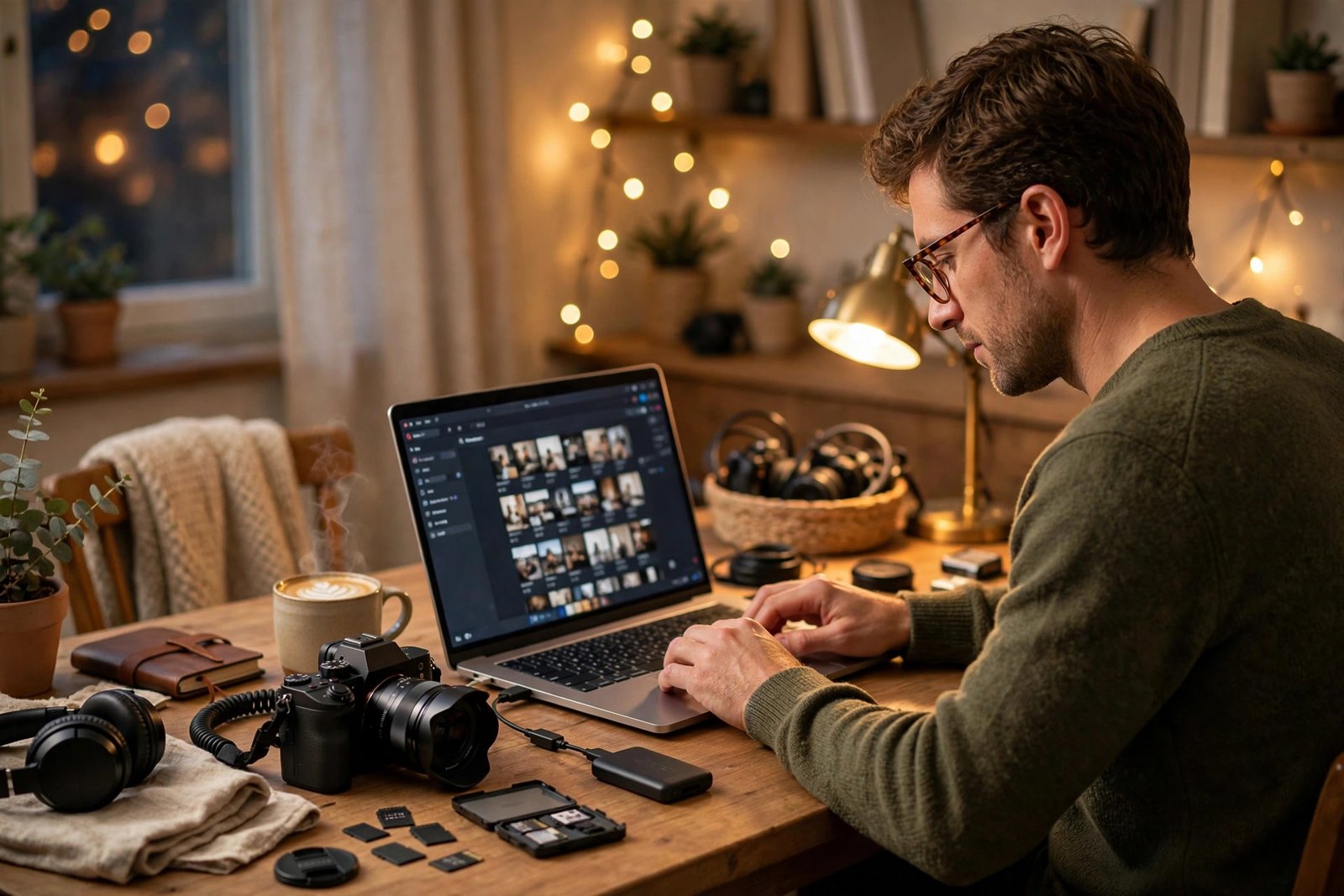
T7 vs Other Pocket Drives
Cheaper flash drives cost less but crawl by comparison and feel flimsy. Rugged outdoor drives survive harsher conditions but are bulkier and pricier. Thunderbolt drives are faster for professionals but cost far more and need specific ports. The Samsung T7 wins the middle ground that most people actually live in: fast, tough, small, and simple.
FAQ: Samsung T7 Portable SSD
How fast is the Samsung T7?
Up to 1,050 MB/s read and 1,000 MB/s write speeds over USB 3.2 Gen 2. Real-world speed depends on your port, cable, and file sizes.
Does it work with Mac and Windows?
Yes. It works with PC, Mac, Android devices, and game consoles, and both USB-C to C and USB-C to A cables are included.
Is the T7 shock resistant?
Yes. Its aluminum body is rated to survive drops from up to 6 feet, making it a good travel and field companion.
Can I password-protect the T7?
Yes. Optional password protection with AES 256-bit hardware encryption is available through Samsung’s software.
What warranty does it include?
The T7 comes with a 3-year limited warranty.
Final Verdict: Should You Buy the Samsung T7?
Yes, for almost everyone who needs portable storage. The T7 is fast where it counts, tough enough for real bags and real life, and simple enough that you will actually use it. Faster drives exist, but few match this balance of speed, size, durability, and ease, which is why the T7 remains the default pocket drive recommendation in 2026.
👉 Check the Latest Price on Amazon
Top Related Picks
- Samsung Galaxy Buds 3 Pro Review 2026: The Best Earbuds for Galaxy Phones? – another Samsung essential for your everyday carry.
- iRobot Roomba 694 Review 2026: The Best Budget Robot Vacuum? – smart home convenience for the same household.
- Shark Navigator NV352 Review 2026: Still the Best Budget Upright Vacuum? – the reliable home-cleaning pick.