Disclosure: As an Amazon Associate, I earn from qualifying purchases. If you buy through links on this page, I may earn a small commission at no extra cost to you.
Kasa EP25 Smart Plug 4-Pack Review 2026: The Easiest Smart Home Upgrade?
Here is the thing nobody tells you about smart homes: most people overcomplicate them. They buy the fancy hub, the expensive switches, the ecosystem that locks them in – and then half the devices stop working when an app updates. The smart home should start with the simplest question possible: what if your regular wall outlets just got a brain?
That is exactly what a smart plug does. You plug it into any outlet, plug your lamp or fan or coffee maker into it, and suddenly that ordinary device listens to your voice, follows a schedule, and even tells you how much electricity it is using. No wiring. No electrician. No hub. Thirty seconds per outlet, and your house is meaningfully smarter.
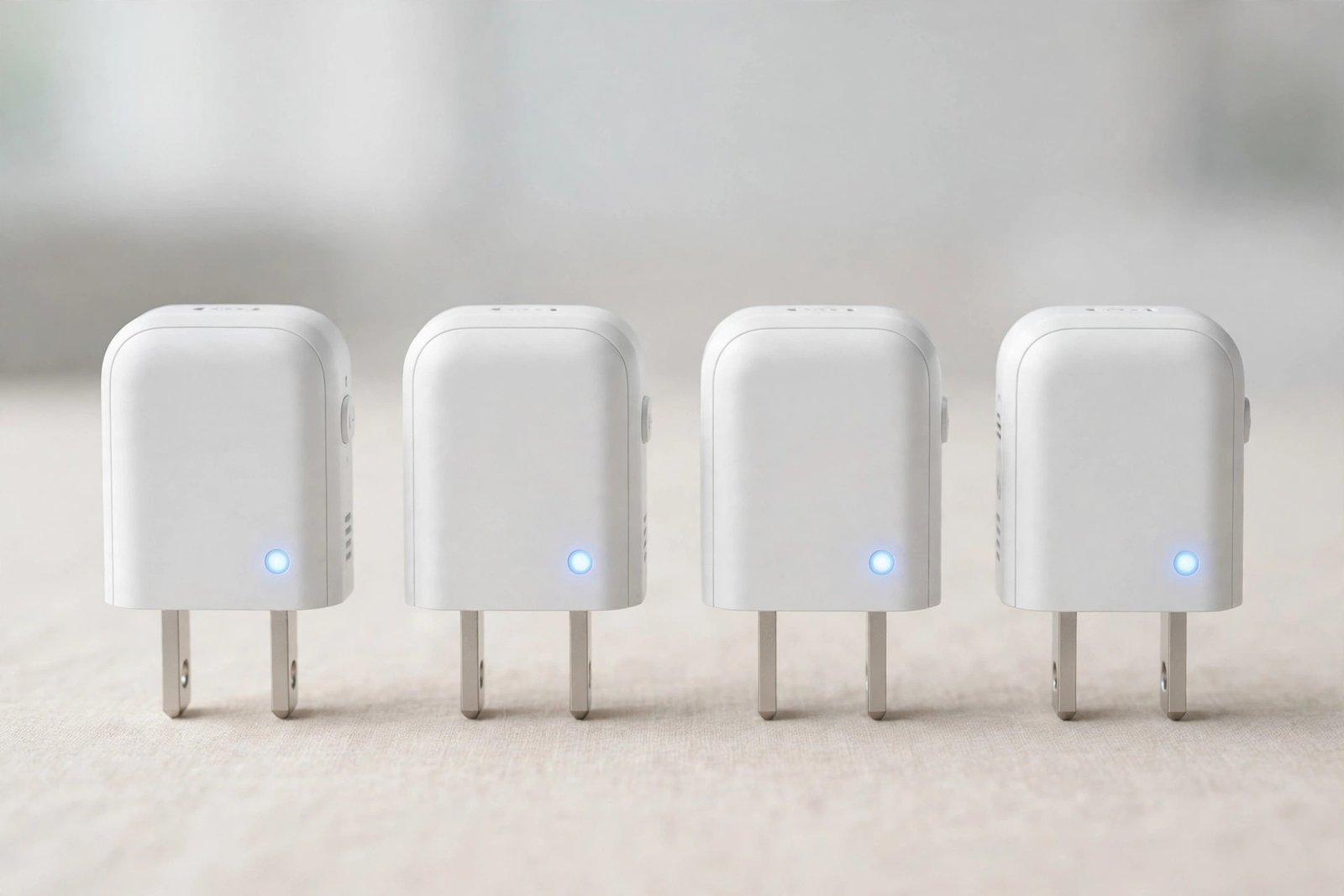
The Kasa EP25 by TP-Link is the smart plug that made this mainstream. This 4-pack of mini plugs handles up to 15 amps, monitors your energy usage in real time, works with Alexa, Google Home and Apple HomeKit, and is small enough that it does not swallow the second outlet next to it. It is the best-selling smart plug on Amazon for a reason.
But smart plugs are not all equal – some have weak apps, some drop Wi-Fi constantly, some are bulky enough to block the outlet above them. The real question is: is the Kasa EP25 still the best smart plug to buy in 2026, or should you look elsewhere? This review breaks it down honestly: features, real-world use, the mistakes new buyers make, and how it compares to the alternatives.
👉 Check the Latest Price on Amazon
Why Smart Plugs Are Having a Moment in 2026
Three forces are pushing smart plugs into every home right now. First, electricity is not getting cheaper, and energy monitoring – once a luxury feature – is now built into plugs like the EP25, so people can finally see which device is quietly eating their power bill. Second, the smart home wars have cooled down: Matter support and broad voice-assistant compatibility mean one device now plays nicely with Alexa, Google and Apple at the same time, instead of locking you into one camp.
Third – and this is the big one – people have learned that the smart plug is the lowest-risk entry point into a smart home. A smart bulb can only control a bulb. A smart switch needs wiring. A smart plug controls anything you plug in: lamps, fans, heaters, coffee makers, Christmas lights, the iron you always forget to turn off. That flexibility is why the EP25 4-pack is such a sweet spot – one pack covers four devices for the price of a single dinner out, and each one is independently controlled.
Key Features of the Kasa EP25 Smart Plug
15A / 1800W capacity – handles real appliances
Many cheap smart plugs top out at 10 amps, which quietly excludes space heaters, air conditioners and power-hungry kitchen gadgets. The EP25 is rated for 15 amps and 1800 watts, so it can switch the heavy loads without drama – as long as you respect the rating and do not plug in anything bigger than it can handle.
Energy monitoring that actually changes behavior
This is the EP25’s headline feature. The Kasa Smart app shows real-time power draw and historical usage for whatever is plugged in. Most people who turn this on discover the same thing: one or two devices are using far more power than expected. Old lamps, forgotten space heaters, the “off” gaming setup that is secretly drawing power all night – the EP25 finds them, and the scheduling feature lets you cut them off automatically.
Alexa, Google Home AND Apple HomeKit – no hub needed
The EP25 talks to all three major voice platforms, including Apple HomeKit and Siri. That is rarer than it sounds – many budget plugs support Alexa and Google but skip HomeKit entirely. And there is no hub to buy, place, or troubleshoot: each plug connects directly to your 2.4GHz Wi-Fi network.
Mini size that respects your outlet
Cheap smart plugs have one classic design sin: they are so fat they cover both sockets on the outlet. The EP25 is a true mini plug – slim enough that the second outlet stays usable. It sounds like a small thing until you run out of outlets behind your TV stand.
Schedules, timers and Away mode
Set the porch light to come on at sunset and off at bedtime. Have the coffee maker start warming up before your alarm. Put lamps on randomized Away mode while you are traveling so the house looks lived-in. These are the automations people actually use every day – and the EP25 runs them from the Kasa app with a simple interface.
UL certified with flame-retardant housing
A smart plug sits between your wall and your appliance, carrying real current – so safety certification matters. The EP25 is UL certified with flame-retardant housing and comes with a 2-year warranty. Never buy an uncertified no-name plug to save a few dollars; this is the one device category where the certification is the product.
Kasa EP25: Quick Specs
| Specification | Kasa EP25 (4-Pack) |
|---|---|
| Pack size | 4 mini smart plugs (EP25P4) |
| Max load | 15A / 1800W |
| Energy monitoring | Yes – real-time + historical in Kasa app |
| Voice assistants | Alexa, Google Home, Apple HomeKit / Siri |
| Hub required | No – connects directly to Wi-Fi |
| Wi-Fi | 2.4GHz only |
| Smart features | Schedules, timers, Away mode, app + voice control |
| Design | Mini – does not block the second outlet |
| Safety | UL certified, flame-retardant housing |
| Warranty | 2 years |
| Brand | TP-Link Kasa |
Who the Kasa EP25 Is Really For
Smart-home beginners: If you have never owned a smart device, a 4-pack of EP25s is the perfect first step. No hub, no wiring, no ecosystem lock-in – just plug, set up in the app, and start asking Alexa or Siri to control things.
Energy-conscious households: The energy monitoring alone justifies the purchase for anyone watching their electricity bill. Find the vampire devices, schedule them off, and watch the numbers drop in the app.
Renters: You cannot rewire a rental, but you can absolutely smarten it. Smart plugs move with you – take them off the wall when you leave and they work in the next apartment too.
Travelers: Away mode’s randomized lighting is one of the simplest, most effective home-security tricks there is. Four plugs means the living room, bedroom, porch and hallway can all look occupied while you are away.
Who Should Look Elsewhere
If you need outdoor plugs, look at Kasa’s outdoor-rated models instead – the EP25 is indoor only. If your home runs entirely on 5GHz Wi-Fi with the 2.4GHz band disabled, you will need to enable 2.4GHz for setup (most routers support both). And if you want a plug that also measures precise whole-home energy down to the decimal for professional auditing, a dedicated energy monitor is a different product category – the EP25 is excellent for per-device awareness, not lab-grade metering.
Pros and Cons
Pros: True 15A/1800W capacity handles real appliances; energy monitoring with real-time and historical data; works with Alexa, Google Home AND Apple HomeKit; no hub required; compact mini design keeps the second outlet free; reliable Kasa app with schedules, timers and Away mode; UL certified with flame-retardant housing; 2-year warranty; 4-pack is excellent value.
Cons: 2.4GHz Wi-Fi only (no 5GHz); indoor use only – not weatherproof; the Kasa app is required for setup even if you mainly use voice control; bulky adapters plugged into the EP25 itself can crowd tight spaces.
Common Mistakes Buyers Make With Smart Plugs
Mistake 1: Ignoring the 2.4GHz requirement. The EP25 only connects to 2.4GHz Wi-Fi, not 5GHz. Nearly every router broadcasts both, but if your phone is on 5GHz during setup, the app will fail to find the plug. Connect your phone to the 2.4GHz network for the two-minute setup, then switch back – the plug stays connected.
Mistake 2: Overloading the plug. 15A / 1800W is generous, but it is still a limit. A space heater plus a hair dryer on the same plug is a fire-risk mistake, not a smart-home hack. Check your appliance’s wattage label before plugging heavy loads into any smart plug.
Mistake 3: Buying the cheapest no-name plug instead. Uncertified plugs from unknown brands carry real current through your walls. The UL certification and flame-retardant housing on the EP25 are not marketing fluff – they are the difference between a smart home and a scary one. Never trade safety certification for a few dollars.
Mistake 4: Setting it up and never using schedules. Voice control is fun for a week. Schedules are what make a smart plug life-changing: lamps that follow sunset, the coffee maker that is ready when you wake up, the entertainment center that truly powers off at midnight instead of sipping standby power. The plug only earns its keep if you automate it.
Smart Plug vs Smart Bulb vs Smart Switch: What Should You Actually Buy?
Here is the honest breakdown, because these three get confused constantly. A smart bulb is perfect when you want dimming and color in one specific lamp – but it only controls that bulb, and someone flipping the wall switch kills it. A smart switch is the cleanest solution for ceiling lights you use daily – but it requires wiring work and stays with the house.
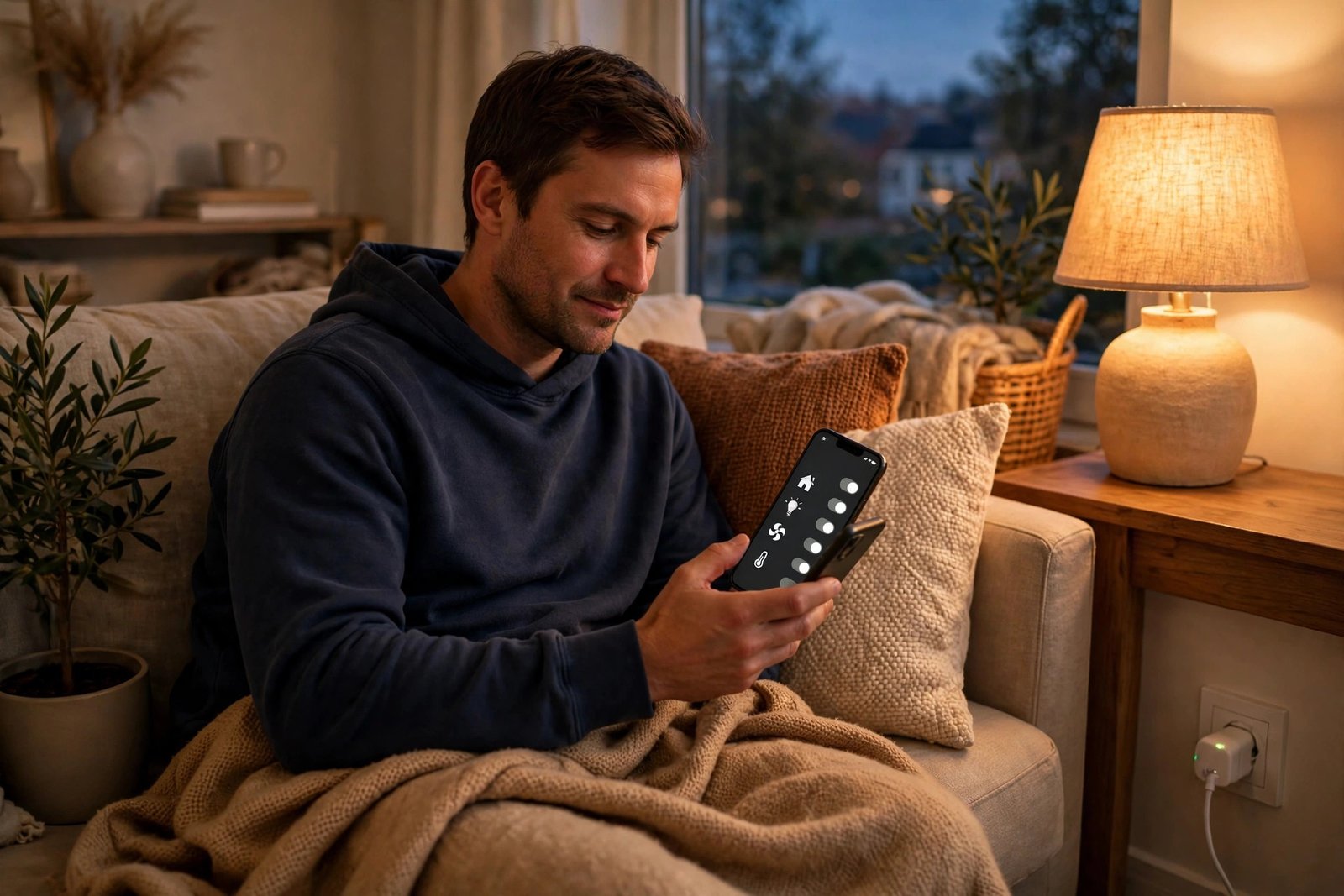
A smart plug wins on flexibility and reversibility. It controls anything with a plug – lamps, fans, heaters, humidifiers, holiday lights, the router you want to auto-reboot at 4 AM. It takes thirty seconds to install, moves with you when you move, and costs less per device than the other two options. For most people starting out, smart plugs are the right first purchase, and bulbs or switches come later for specific jobs the plugs cannot do.
Within smart plugs, the EP25’s edge is the combination: 15A capacity plus energy monitoring plus triple voice-assistant support plus a genuinely good app, at a 4-pack price that undercuts most single-plug competitors. That is why it keeps showing up as the default recommendation.
FAQ: Kasa EP25 Smart Plug
Does the Kasa EP25 need a hub?
No. Each EP25 plug connects directly to your 2.4GHz Wi-Fi network through the Kasa Smart app – no hub, bridge or extra hardware required.
Does the EP25 work with Alexa, Google Home and Apple HomeKit?
Yes – all three. You can control the plugs with Alexa, Google Assistant, or Siri/HomeKit, and mix platforms in the same home.
What does the energy monitoring show?
The Kasa app shows real-time power draw and historical usage for each plug, so you can see exactly how much electricity a device uses and schedule it to reduce waste.
Can the EP25 handle a space heater or air conditioner?
It is rated for 15A / 1800W, which covers most space heaters and window AC units – but always check your appliance’s wattage label first and never exceed the plug’s rating.
Does it block the second outlet?
No. The EP25 is a mini plug designed to leave the second socket on the outlet free for another device.
Final Verdict: Should You Buy the Kasa EP25 4-Pack?
The Kasa EP25 is the smart plug I recommend to people who have never owned a smart device – and to people who have owned ten. The 15-amp capacity means it handles real appliances, the energy monitoring turns it from a gadget into a money-saving tool, and triple voice-assistant support means it fits into whatever ecosystem you already have. No hub, no wiring, no lock-in.
It is not the fanciest smart device you will ever buy. It is something better: the one you will actually use every single day, in four places around your house, from the week it arrives. For the easiest, safest first step into a smart home, the EP25 4-pack is still the one to beat in 2026.
👉 Check the Latest Price on Amazon
Top Related Picks
- Amazon Echo Dot (5th Gen) Review 2026: Still the Best Budget Smart Speaker? – the perfect voice partner for your new smart plugs; say “Alexa, turn off the living room lamp” and the EP25 obeys.
- GE Profile Opal 2.0 Nugget Ice Maker Review 2026: Is ‘The Good Ice’ Worth Having at Home? – another Wi-Fi-connected home upgrade that pairs beautifully with a smart routine.
- Soundcore P30i Review 2026: The Budget ANC Earbuds That Punch Above Their Price – more smart tech that punches above its price, for your ears this time.
📺 Watch Our Videos & Shop Our Picks
Enjoy our reviews and guides in video form, and shop the products we recommend - subscribe and never miss an upload.
🛒 Amazon One 🛒 Amazon Two 🛒 Amazon Three